


Introduction
Every outreach email tool demo looks the same: a sequence builder, a template editor, a dashboard with an open rate in large type. None of that decides whether your mail reaches the inbox. What decides it is less visible: how the tool sends, how fast, from which mailboxes, and what it does when something goes wrong.
The short answer: judge a tool by what it does to your sending, not by its editor. Look for domain authentication checks before sending, real mailbox warmup, per-mailbox limits with randomized spacing, sending in the recipient's working hours, automatic stops on bounces and complaints, and honest reporting. Everything else is convenience.
Outreach Tool Or Email Marketing Tool?
An email marketing tool sends one campaign to a list of subscribers who opted in, through the tool's own sending servers, with an unsubscribe footer and designed HTML. An outreach tool sends one-to-one emails and follow-ups from your own mailboxes to people who have not heard from you, and stops when they reply. The deliverability problems are different, so the features that matter are different. If you are writing to strangers, a newsletter platform's sending model is the wrong one, and their terms often prohibit cold email.
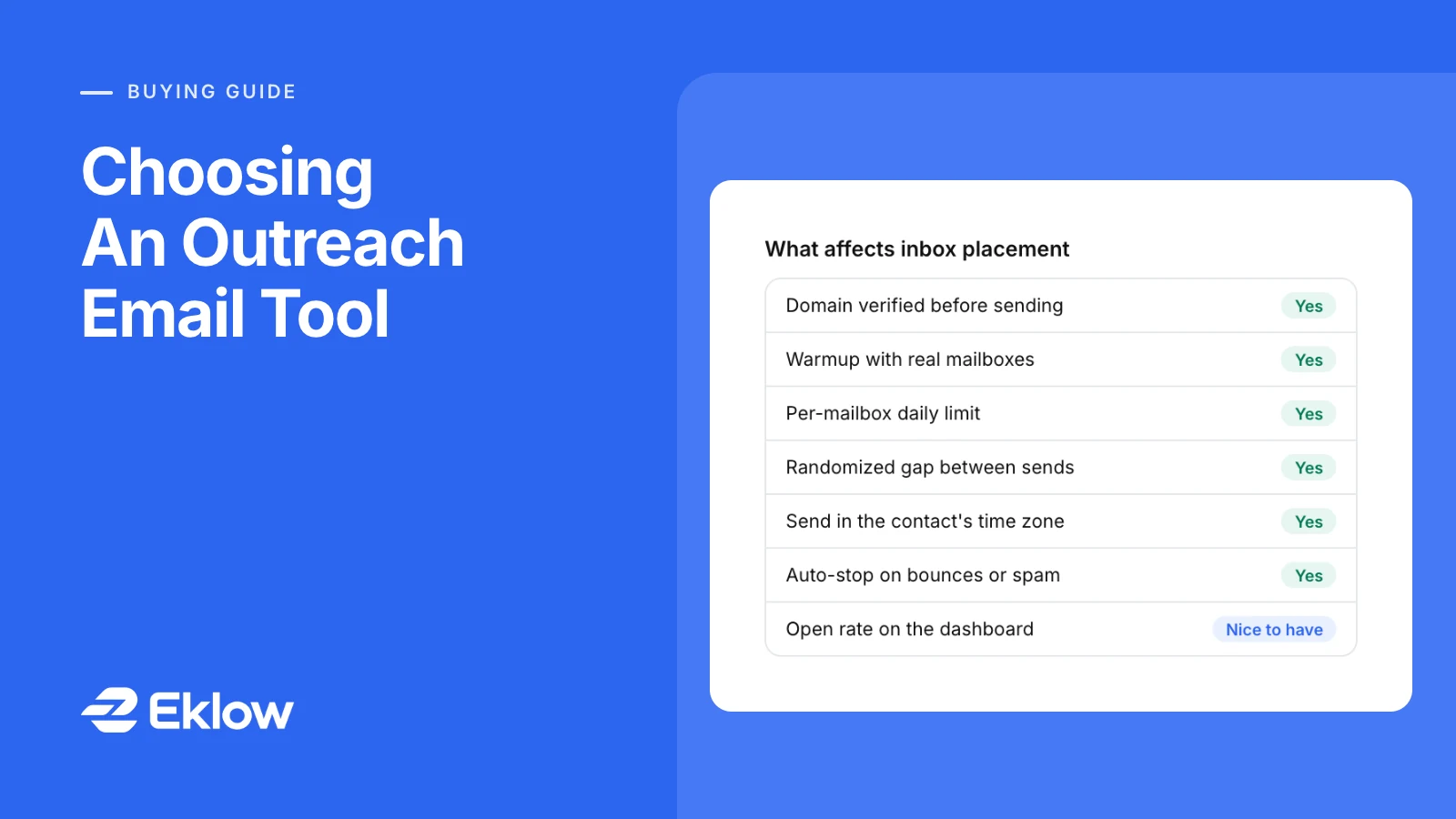
The Features That Change Inbox Placement
| Feature | Why it matters | What to ask |
|---|---|---|
| Authentication checks | Gmail and Yahoo require SPF, DKIM and DMARC from bulk senders | Does it refuse to send from a domain that fails? |
| Mailbox warmup | A new mailbox has no history; warmup builds it with real conversations | Is warmup real mail between real mailboxes, and is a mailbox kept out of campaigns until warmed? |
| Per-mailbox limits | Volume per mailbox is what providers watch | Can I set a daily limit per mailbox, shared across campaigns? |
| Randomized spacing | Sends at fixed intervals or in bursts look automated | Is there a random gap between sends from the same mailbox? |
| Send windows by time zone | Mail at 3 a.m. local time looks automated and gets read late | Does it schedule in the contact's time zone? |
| Stop on reply | Following up after someone answered generates complaints | Is a reply detected from the mailbox itself, and does it cancel pending steps? |
| Auto-stop on bounces and complaints | A bad list damages a domain within a day | Can a campaign or one sending domain stop itself at a rate I choose? |
| List hygiene | Invalid addresses bounce; bounces cost reputation | Does it verify contacts and hold risky ones by default? |
Features That Look Good In A Demo
- Open rates. Apple Mail Privacy Protection and security scanners open mail automatically, so open rates are inflated and noisy (Apple Mail Privacy Protection). Replies are the number to trust.
- Unlimited sending. No tool can make a mailbox safe at any volume. A promise of unlimited volume says nothing about whether that volume arrives.
- Heavy templates. Image-rich HTML suits newsletters. Cold email that reads like a note from a person does better (plain text or HTML).
- A generic deliverability score. Ask what goes into it. A number with no published inputs cannot be checked.
Test Before You Commit
- Check your sending domain first. If the domain fails SPF, DKIM or DMARC or sits on a blocklist, no tool will rescue it (is my domain hurting my deliverability).
- Run your first email through a spam filter, such as the free Email Template Checker.
- During the trial, send a small campaign to mailboxes you control at the major providers, or run an inbox placement test, and see where it lands.
- Read the reply detection: reply to one of the trial emails and confirm the sequence stops for that contact.
Outreach Tool Questions
Should An Outreach Tool Send From My Own Mailboxes?
For cold outreach, yes in most cases. Mail from your own Google Workspace or Microsoft 365 mailboxes builds reputation on your domain and replies arrive in a real inbox. Shared sending infrastructure puts your reputation next to everyone else's.
Will Switching Tools Hurt My Deliverability?
Not by itself: reputation belongs to your domains and mailboxes, not to the tool. What can hurt is a sudden change in pattern, such as much higher volume or tighter spacing after the switch. Keep the same pace for the first weeks.
Is A More Expensive Tool Better For Deliverability?
Not necessarily. Compare the features in the table above; price usually tracks seats, mailboxes and volume, not how carefully the tool sends.
How Eklow Handles This
Eklow sends campaign mail from your own connected mailboxes. A mailbox is picked for a campaign only once its domain's SPF, DKIM and DMARC verify and the mailbox is warmed, and verified domains are re-checked every six hours. Warmup sends real mail to other mailboxes and confirms it was opened before the ramp moves on.
Each mailbox has a daily limit shared by every campaign it is in, and waits a randomized gap between sends. A campaign with no schedule sends Monday to Friday, 08:00 to 17:00 in each contact's own time zone. With stop on reply on, a reply read from the mailbox cancels the contact's pending steps, contacts held as risky by validation are left out unless you include them, and a campaign can stop itself, or stop one sending domain, when its bounce or spam rate reaches the line you set (auto-pause on high bounce rates).
Keep reading
- DeliverabilityIs My Domain Hurting My Deliverability? A Domain Reputation Check, Signal By SignalHow to check your domain's reputation as an email sender: the public signals receivers can see, how to read each one by hand, and what to fix first when your domain is the problem.5 min read
- DeliverabilityWhy Did My Email Bounce? How To Read A Bounce, Recipient By RecipientWhy did my email bounce? How to read a bounce message, tell a hard bounce from a soft one, and spot whether a campaign's bounces come from the list or from one sending domain.5 min read
