


Introduction
You checked Google Postmaster Tools on Monday and the spam rate line was flat at zero. Reassured, you sent the week's campaign. Replies from Gmail addresses dried up, a colleague with a Gmail account found your test email in spam, and the dashboard still read zero. It was not broken. It was answering a different question from the one you asked it.
The Postmaster Tools spam rate is the share of your messages that Gmail users manually mark as spam. A user can only press "Report spam" on mail they can see in their inbox, so when Gmail is already filtering your mail into the spam folder, there is little left to report and the rate stays low. That makes it a warning light, not a health score: a rate approaching 0.10% means people are actively complaining, but a rate near zero does not mean your mail is reaching the inbox. Read it alongside domain reputation, replies and a direct inbox placement test.
What The Postmaster Tools Spam Rate Counts
Google describes the Spam Rate dashboard as "the percent of your messages that recipients manually mark as spam in Gmail" (Postmaster Tools dashboards). A few details follow from that definition and from how Postmaster Tools works.
- Only Gmail. It covers mail to Gmail recipients only. Google's Postmaster Tools help notes the data applies only to messages sent to personal Gmail accounts, those ending in @gmail.com or @googlemail.com.
- Only manual reports. Mail Gmail filters by itself is not a complaint. Only a person pressing the button counts.
- Only what people can see. Mail already in the spam folder rarely gets reported, because few people look there.
- Only with enough volume. If you send little mail to Gmail, the dashboards may show no data at all, which is not the same as a clean record.
The 0.10% And 0.30% Lines
Google's email sender guidelines ask senders to keep the spam rate reported in Postmaster Tools below 0.10% and to avoid ever reaching 0.30%. Yahoo's sender best practices set the same 0.3% line for its own complaint data. These are small numbers, and seeing them as complaint counts makes that clearer.
| Emails In Gmail Inboxes | Complaints At 0.10% | Complaints At 0.30% |
|---|---|---|
| 1,000 | 1 | 3 |
| 5,000 | 5 | 15 |
| 18,000 | 18 | 54 |
| 50,000 | 50 | 150 |
A cold campaign to a few thousand Gmail recipients can cross 0.10% with a handful of annoyed people. That is why list quality, a clear opt-out and stopping on reply matter more for complaints than wording does.
Why It Reads Low While You Land In Spam
Picture two weeks of sending. In week one most of your mail reaches the inbox and a few people report it; the spam rate rises. Gmail's filters learn from those reports and from other signals, and in week two more of your mail goes straight to spam. Fewer people see it in their inbox, fewer can report it, and the spam rate falls. The dashboard improves at exactly the moment your delivery gets worse.
So a falling spam rate on its own is not good news. If it falls while replies, clicks or opens from Gmail recipients also fall, the likeliest explanation is that your mail is being filtered, not that people like it more.
Signals To Read Alongside It
| Signal | Where To Find It | What It Tells You |
|---|---|---|
| Domain reputation | Postmaster Tools, Domain Reputation | How Gmail rates mail from your domain overall |
| Replies from Gmail recipients | Your sending tool, by recipient domain | Whether people are seeing and answering |
| Inbox placement | A seed-list placement test | Where a real email lands, directly |
| Hard bounces | Your sending tool | Whether your list is decaying, a reputation risk of its own |
| Authentication | Postmaster Tools, Authentication | Whether SPF, DKIM and DMARC pass for your mail |
An inbox placement test is the most direct of these, because it answers the question the spam rate cannot: where did the email land? Our guide to why cold email lands in spam covers the DNS and reputation side.
Calculating Your Own Complaint Rate
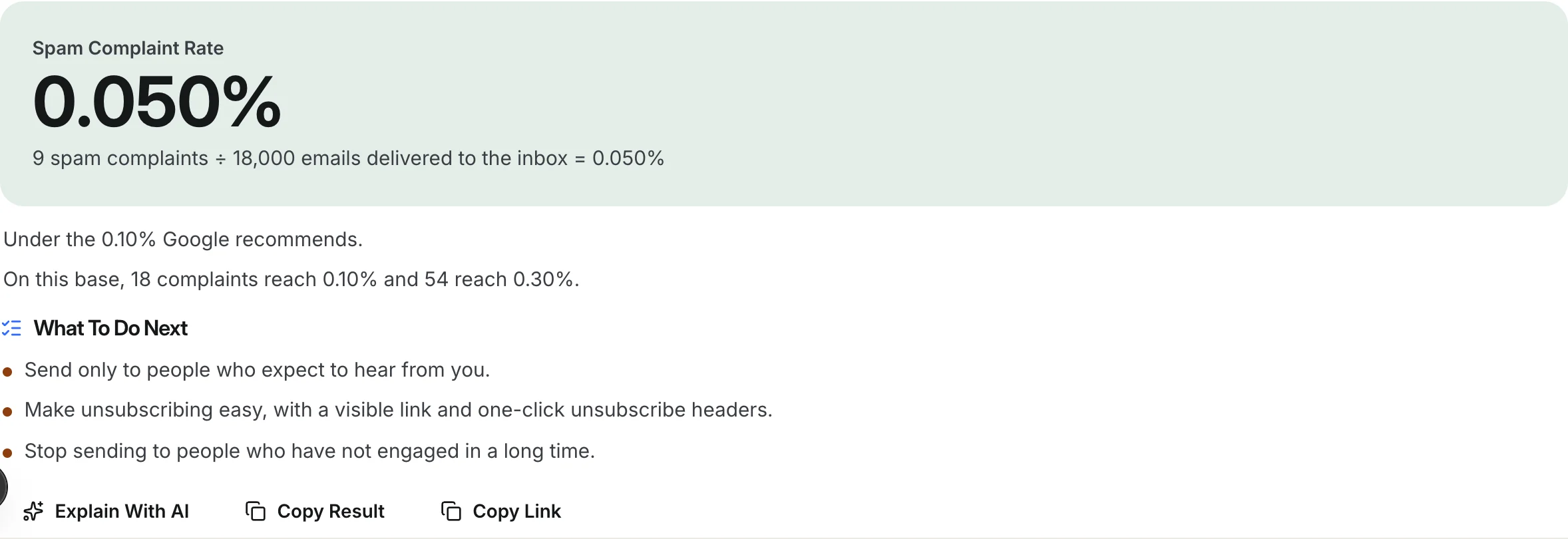
Outside Gmail, you work out a complaint rate from the complaints you receive, through feedback loops and your sending tool, divided by a base. The base matters. Dividing by emails sent gives a smaller number than dividing by emails delivered to the inbox, because sent includes mail that bounced or went to spam. To compare with Google's lines, use the closest thing to inbox-delivered mail you have, and say which base you used.
Complaint rate = complaints / emails in the base

9 complaints / 18,000 emails delivered to the inbox = 0.050%
Complaints that would reach 0.10%: 18
Complaints that would reach 0.30%: 54
Questions About The Gmail Spam Rate
Why Does Postmaster Tools Show A 0% Spam Rate?
Either nobody reported your mail on those days, too little of it reached Gmail inboxes to be reported, or your volume was too low for the dashboard to show data. Check domain reputation and replies from Gmail recipients before taking zero as good news.
Is 0.10% A Requirement Or A Recommendation?
Google's sender guidelines present 0.10% as the level to stay under and 0.30% as a level never to reach. Treat 0.10% as your working limit: by the time you approach 0.30%, delivery problems are likely to have started already.
How Do I Lower My Spam Complaint Rate?
Send only to people with a plausible reason to hear from you, make opting out easy with a visible line and one-click unsubscribe headers, stop sequences when someone replies, and stop sending to contacts who never engage. Complaints come from the wrong people more often than from the wrong words.
Is An Unsubscribe The Same As A Spam Complaint?
No. An unsubscribe is a recipient using your opt-out; a complaint is a recipient telling their mail provider your email is spam. Unsubscribes are healthy. An easy unsubscribe also turns some would-be complaints into unsubscribes, which is one reason Gmail and Yahoo require one-click unsubscribe for bulk senders.
How Eklow Handles This
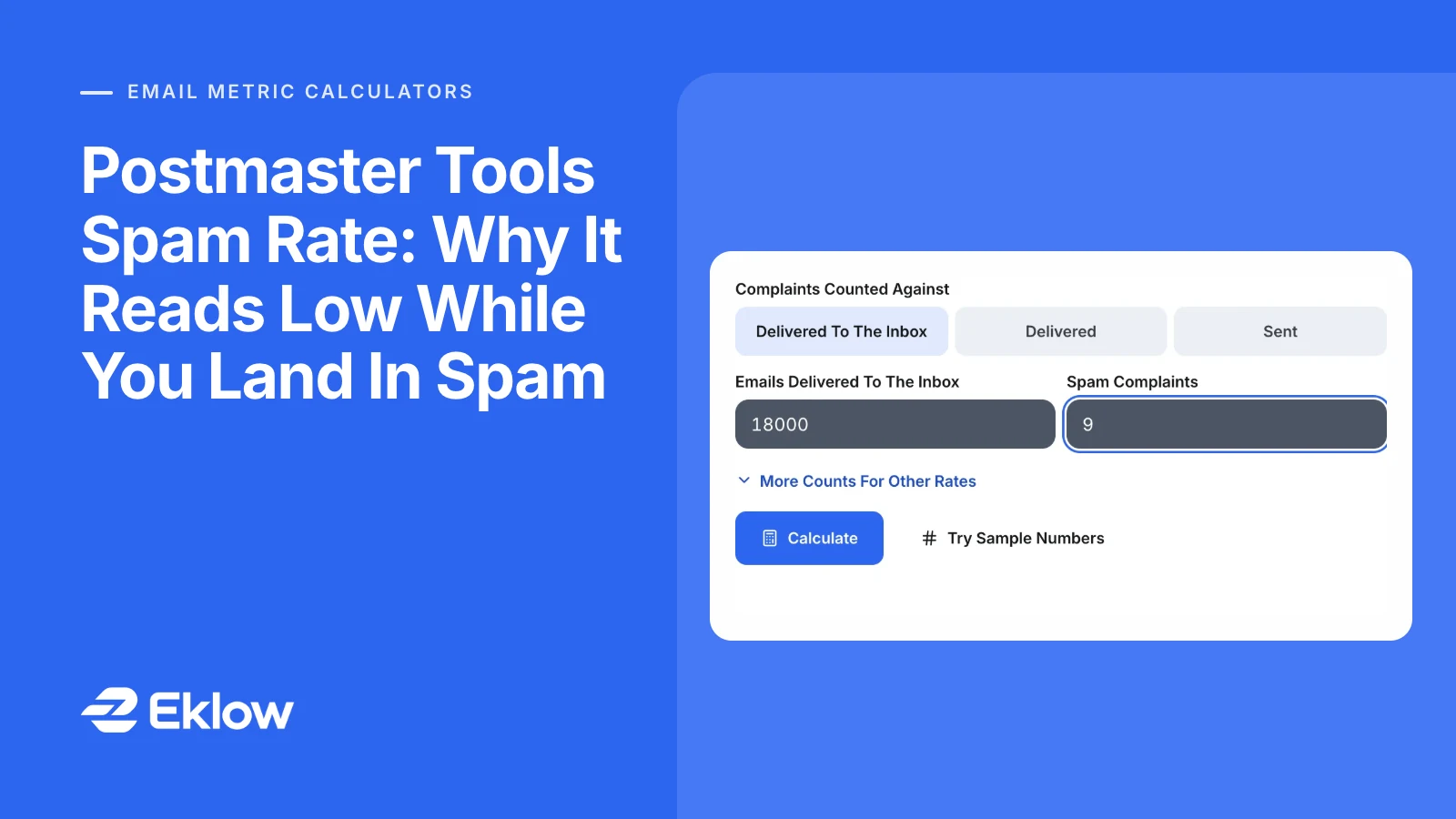
Our free spam complaint rate calculator lets you pick the base, emails delivered to the inbox, delivered or sent, and compares the result with the 0.10% Google recommends staying under and the 0.30% line. It also shows how many complaints on your base would reach each line, so you can see your margin in people rather than percentages.
Inside Eklow, contacts are checked on import, every email carries one-click unsubscribe headers, and a sequence stops for anyone who replies or unsubscribes. The email bounce rate calculator covers the other list-health number worth watching, and an inbox placement test shows where your email actually lands at each provider.
Keep reading
- DeliverabilityIs My Domain Hurting My Deliverability? A Domain Reputation Check, Signal By SignalHow to check your domain's reputation as an email sender: the public signals receivers can see, how to read each one by hand, and what to fix first when your domain is the problem.5 min read
- DeliverabilityChoosing An Outreach Email Tool: What Actually Affects Inbox PlacementComparing outreach and email marketing tools? The features that change whether mail reaches the inbox, the ones that only look good in a demo, and questions to ask before you pay.4 min read
