


Introduction
The bounce reads "554 5.7.1 Service unavailable; client host [203.0.113.7] blocked using zen.spamhaus.org". It is the name every sender recognises, and the first reaction is usually panic: you have been listed on Spamhaus, so you must be a spammer. Often you are not. Spamhaus runs several lists, they list very different things, and the same bounce text covers all of them.
If you are listed on Spamhaus, the first job is to find out which list. ZEN combines three: the SBL (manually listed spam and abuse sources, including the automated CSS), the XBL (compromised machines) and the PBL (address ranges that should not send mail directly, which is a policy, not a spam verdict). Domains are listed separately in the DBL. Each needs a different fix, and only some of them are yours to remove.
Which Spamhaus List Are You Listed On?
A lookup in a Spamhaus zone returns an address in the 127.0.0.0/8 range, and the last part tells you the list. These codes come from Spamhaus's DNSBL usage FAQ and domain blocklist page:
| Return code | List | What it usually means for you | Who requests removal |
|---|---|---|---|
| 127.0.0.2 | SBL | Your network or host was listed by Spamhaus staff for spam or abuse | Your network or hosting provider |
| 127.0.0.3 | SBL (CSS data) | Automated: low-reputation or abusive mail came from this sending IP | You, through the Spamhaus checker, after the fix |
| 127.0.0.4 | XBL | A device on this IP looks compromised or infected | You, through the checker, after cleaning it |
| 127.0.0.9 | SBL (DROP data) | The range is controlled by bad actors | The network owner |
| 127.0.0.10 or .11 | PBL | End-user address space that should not send direct to mail servers (.10 set by the ISP, .11 by Spamhaus) | Only a static mail server's owner, through the checker |
| 127.0.1.2 to 127.0.1.99 | DBL | The domain itself has a poor reputation (spam, phishing, malware) | You, through the checker |
| 127.0.1.102 to 127.0.1.106 | DBL | A legitimate domain that was abused, for example a hacked site | You, through the checker, after cleaning up |
ZEN can return several codes at once, because one address can sit on more than one list. Querying the RFC 5782 test address shows it. On 11 October 2026 this returned three codes, one per sublist:
$ dig +short 2.0.0.127.zen.spamhaus.org
127.0.0.4
127.0.0.10
127.0.0.2CSS: Spam Seen From Your Sending IP
CSS is the fully automated part of the SBL, aimed at the sending IP itself. Spamhaus's CSS page lists unsolicited email, poor list hygiene and mail sent through compromised accounts or insecure installs as typical triggers. Its rules for removal are short: "Whatever caused the problem MUST be identified and corrected before removing an IP from CSS", and an IP that keeps producing detections is relisted quickly.
The good news is the clock. Spamhaus says CSS listings normally expire three days after the last detection, longer only in cases of chronic abuse. For a cold sender on a dedicated server, the usual causes are an unverified list, a campaign sent to people who never engaged, or a jump in volume the address had no history to support. Fix those, then decide whether to self-remove or let the listing lapse.
XBL: Something On The Network Is Compromised
An XBL listing is not about your campaigns at all. Spamhaus's XBL page describes it as addresses "exhibiting signs of compromise": malware, devices joining brute-force attacks, relaying with stolen credentials, even "free VPN" apps that turn a device into a proxy. On an office connection, any infected laptop behind the same public IP is enough.
Find and clean the device first. Spamhaus warns that a delisted IP "will re-list the next time it makes a connection" if the cause remains, and that listings expire on their own once the behaviour stops. Removal goes through the checker, and the zone is rebuilt every five minutes, so a removal shows up fast.
PBL: A Policy Listing, Not A Spam Verdict
The PBL is the listing people most often misread. In Spamhaus's own words on the PBL page, the addresses in it "are not necessarily bad - simply, they should never be sending email" directly to other mail servers. Home broadband, mobile connections and many cloud ranges are listed this way on purpose.
If your mail goes out through Google Workspace, Microsoft 365 or another provider, a PBL listing on your office IP does not touch your mail at all. It only matters when a server on that address delivers mail itself. Spamhaus allows a single-IP removal only when the address is all four of these:
- Static, not dynamic.
- An outbound mail server.
- Configured with forward DNS and reverse DNS.
- Assigned to the person or company requesting removal.
Spamhaus says single-IP exclusions expire after a year and are reversed if spam is seen, and that for more than one address the ISP should make the request. If your address fails any of the four tests, the fix is to send through an authenticated mail provider or relay, not to remove the listing.
SBL: Your Provider Has To Act
A manual SBL listing (127.0.0.2) points at the network rather than a single sender. According to Spamhaus's SBL page, removals are handled by the network or hosting company, and a general user should speak to their provider. If you rent a server and it sits in a listed range, open a ticket with the host and include the SBL record number from the checker. If the range belongs to a host that tolerates spam, moving is often faster than waiting.
DBL: When Your Domain Is Listed
The DBL lists domain names, never IP addresses, so it follows the domain to any mail provider. A cold sender can land on it through the From domain or through a domain in the message, such as a tracking or link domain. The 100-range codes are worth noticing: Spamhaus uses them for legitimate domains that were abused, which usually means a hacked website or a redirect that spammers found.
DBL listings expire without intervention once the domain stops matching the criteria. Removal requests go through the same checker, approved removals take effect within minutes (some receiving systems lag up to 24 hours), and Spamhaus notes that the form does not guarantee removal. Clean up the cause first: the compromised page, the open redirect, or the sending pattern behind it.
How To Request Spamhaus Removal
- Look up the IP or domain at check.spamhaus.org, the only place Spamhaus handles removals, and open the details for each listing.
- Match the list to the fix above: provider for SBL, cleanup for XBL, sending setup for PBL, list and content for CSS, the domain's use for DBL.
- Fix the cause and note what you changed.
- Request removal from the checker where it is offered. Removal is free; Spamhaus calls paid removal offers a scam.
- Re-check after an hour, then before your next send.
For lists other than Spamhaus, removal rules differ widely, and Spamhaus is only one input for the big mailbox providers. Why cold email lands in spam covers the other signals they weigh.
Spamhaus Listing Questions
What Is The Spamhaus ZEN List?
ZEN is a single DNS zone that combines the SBL, XBL and PBL, so a mail server can check all three with one query. Spamhaus says the right action has to be chosen from the return code, because ZEN answers for every list. A bounce that names ZEN tells you that you are on at least one of them, not which one.
Does A Spamhaus PBL Listing Mean I Sent Spam?
No. Spamhaus says PBL addresses are not necessarily bad; they are ranges that should not send email directly to other mail servers, such as home and mobile connections. It matters only if a server on that address delivers mail itself. Mail sent through Google Workspace, Microsoft 365 or another provider is unaffected.
How Long Does A Spamhaus Listing Last?
It depends on the list. CSS listings normally expire three days after the last spam detection. XBL listings expire once the compromise is no longer detected. DBL listings expire when the domain stops matching the criteria. SBL listings stay until the network owner deals with the abuse and asks for removal.
Why Does My Check Return 127.255.255.254?
Because the query went through a public or open resolver, and Spamhaus refuses those. It is an error code, not a listing, and says nothing about your address. Look the address up on Spamhaus's own checker instead, or query through your own DNS resolver, which is what Spamhaus recommends for anyone running DNSBL lookups.
How Eklow Handles This
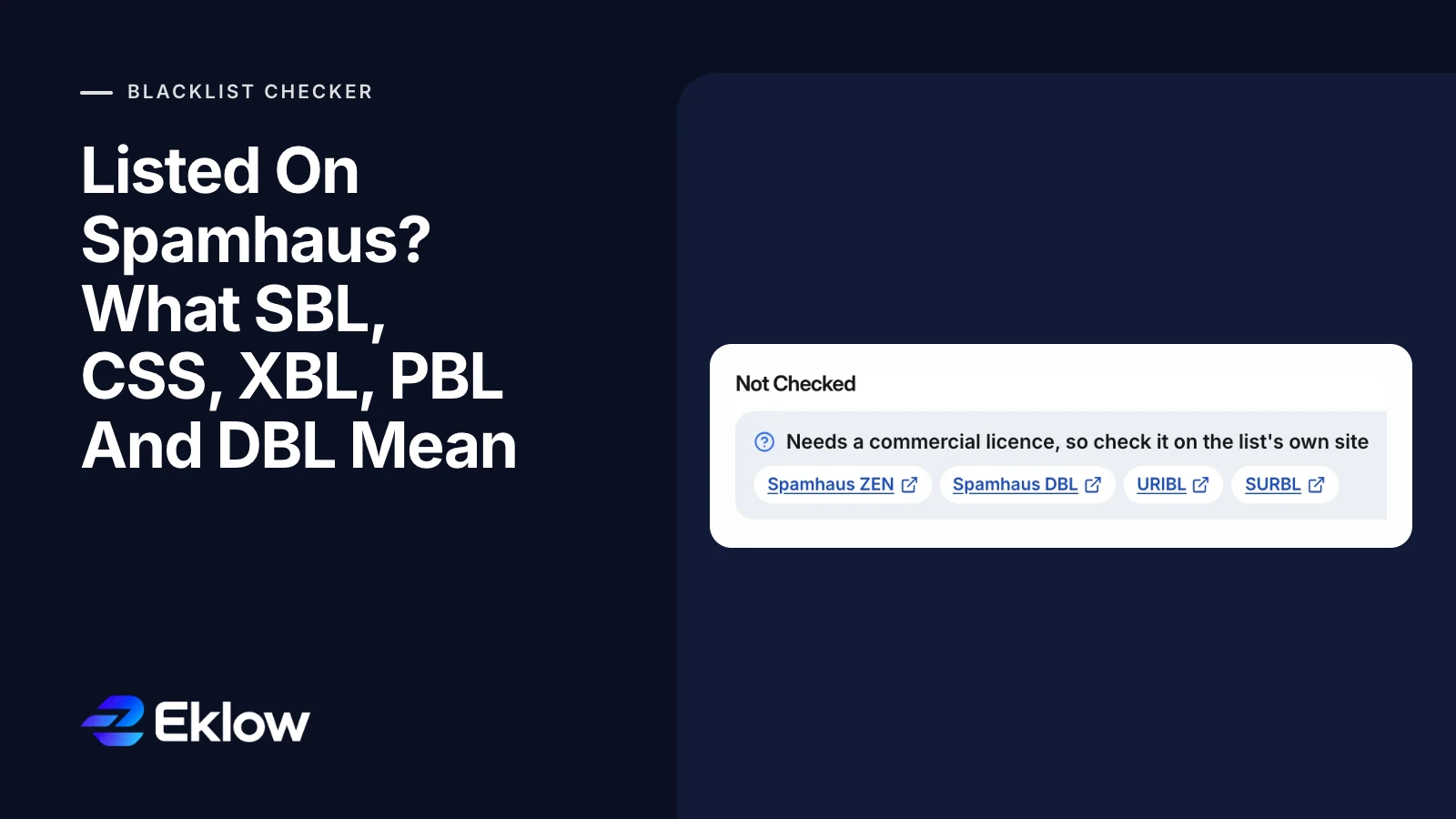
Spamhaus allows free use of its public lists only for non-commercial use by small and medium organisations, as its fair use policy explains. So the free blacklist checker does not pretend: where it has no commercial access to Spamhaus ZEN or DBL, it marks them Not Checked and links to Spamhaus's own lookup, where you can check the same address or domain yourself. It never shows a list it could not query as clean. URIBL and SURBL are handled the same way.

Every other list is queried directly through our own resolver, so public-resolver refusals like 127.255.255.254 never show up as listings. The checker also explains policy-style listings, such as a provider range, separately from listings that point at you.
Inside Eklow, the patterns behind CSS and DBL listings are handled at send time. Bounced, unsubscribed and complained contacts are never sent to, each mailbox is paced with a randomised gap between sends, and every sending domain's SPF, DKIM and DMARC are checked before campaigns use it and re-checked every six hours. If you are unsure what those records do, SPF, DKIM and DMARC explained for founders is the short version.
Keep reading
- DeliverabilityIs My Domain Hurting My Deliverability? A Domain Reputation Check, Signal By SignalHow to check your domain's reputation as an email sender: the public signals receivers can see, how to read each one by hand, and what to fix first when your domain is the problem.5 min read
- DeliverabilityChoosing An Outreach Email Tool: What Actually Affects Inbox PlacementComparing outreach and email marketing tools? The features that change whether mail reaches the inbox, the ones that only look good in a demo, and questions to ask before you pay.4 min read
