


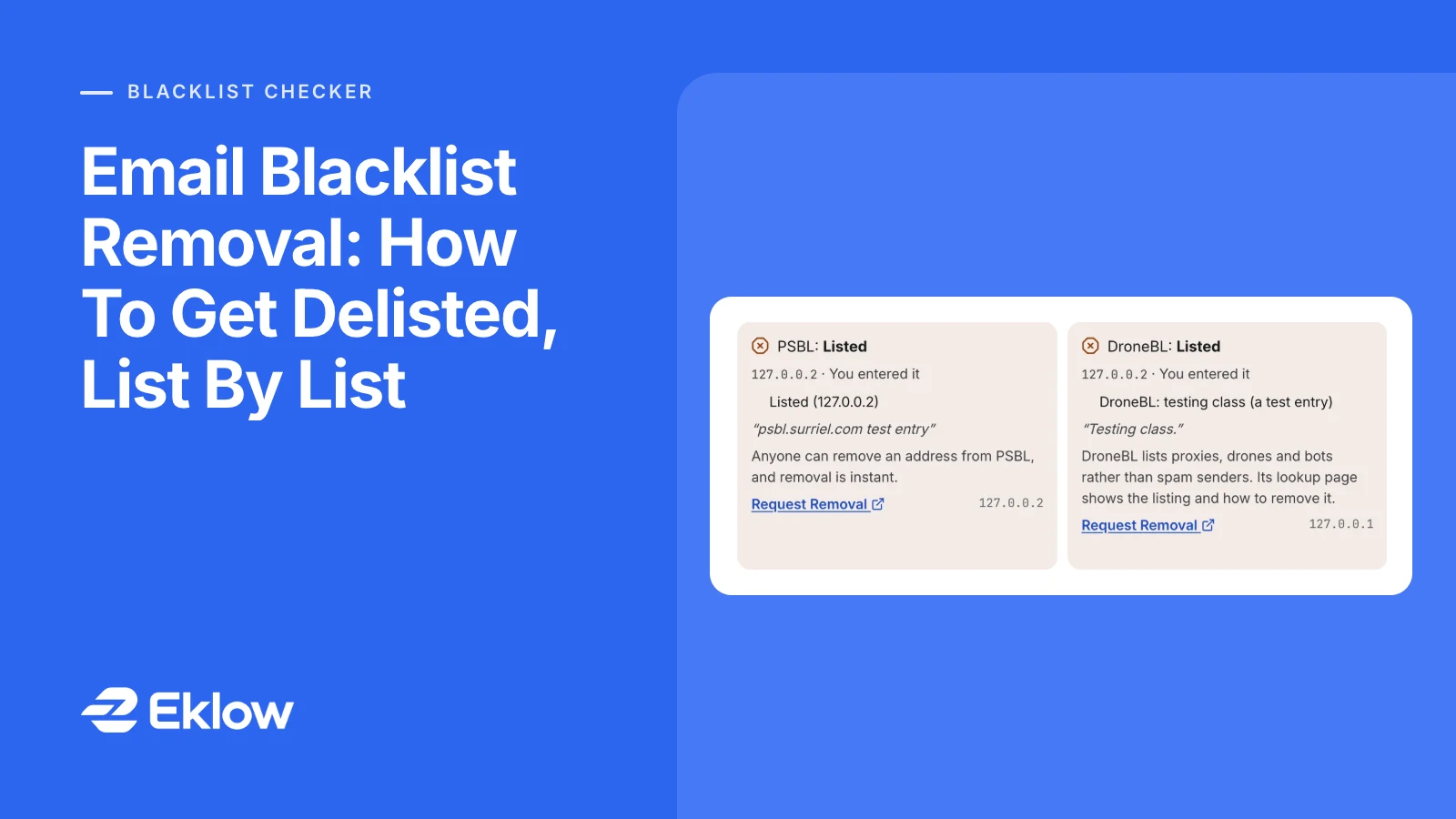
Introduction
The bounce arrives on a Tuesday morning: "550 rejected, your IP is listed", with the name of a list you have never heard of. Replies dry up for the rest of the day. You search for help and find a dozen pages that all say "request delisting", as if every list worked the same way. They do not. Some listings vanish on their own within a day, some need a form, some will not move at all until your provider acts, and a few you should leave alone.
Here is the short version of email blacklist removal. Find out which list named which address, fix whatever caused the listing, then follow that list's own process: wait for it to expire, submit its removal form, or ask your provider. Asking before the cause is fixed rarely helps, because most lists relist an address as soon as the spam traps or reports start again.
Step One: Find The List And The Address
Start with the bounce. A rejection caused by a blocklist almost always names it, either by zone (bl.spamcop.net, b.barracudacentral.org) or by a link to the list's lookup page. Note the IP address in the message too: it is the server that tried to deliver, and it is not always the one you expected.
Then run the domain and that IP through a blacklist checker. You want three answers: which lists show you as listed, whether the listed thing is your domain or a server address, and whether that address belongs to you or to a shared provider. A listing on a Google Workspace or Microsoft 365 server is the provider's to handle. A listing on your own domain, or on a server you run, is yours.
Step Two: Fix The Cause Before You Ask
Lists are built from evidence, and the evidence keeps arriving until you stop it. Match the fix to how the list collects its data:
- Spam traps. PSBL adds an address "when it sends email to a spamtrap", and UCEPROTECT Level 1 expires seven days after the last spam reaches its traps. Trap hits come from old, scraped or bought addresses. Verify the list, remove anyone who never engaged, and stop sending to the segment that produced the hits.
- Recipient reports. SpamCop lists addresses its users report. The fix is fewer people who feel they did not ask for your mail: a narrower audience, a clearer first line, an easy way to opt out.
- A compromised machine or account. If a server or mailbox was sending mail you did not write, change the credentials and close the hole first. A listing from a hijacked account comes straight back.
- A misconfigured server. Missing reverse DNS or a home connection sending directly to other mail servers trips policy lists. That is a configuration fix, not a content fix.
Write down what you changed. Several lists ask for it, and a one-line explanation is what turns a removal request into an approved one.
Email Blacklist Removal, List By List
Each operator publishes its own blacklist removal rules. The table below is taken from their own pages, which are linked in the sections that follow.
| List | How removal works | Timing the operator states |
|---|---|---|
| SpamCop | Expires on its own; no request | 24 hours after the last report, plus up to 4 hours to reach mirrors |
| UCEPROTECT Level 1 | Expires on its own; a paid express option exists | 7 days after the last spam to its traps |
| UCEPROTECT Level 2 and 3 | Your provider's range or network is listed, not you | Depends on the provider cleaning up |
| PSBL | Anyone can remove an address on its site | Immediate, then DNS propagation |
| Barracuda | Removal request form | Typically within 12 hours with a valid explanation |
| Spamhaus | Its own checker at check.spamhaus.org only | Varies by list; removal is free |
| NordSpam, 0spam, DroneBL | Request on the list's own site (0spam needs a free account) | Not stated |
Lists That Expire On Their Own
SpamCop's FAQ is blunt: "IPs are automatically delisted after 24 hours with no new spam reports", and it asks administrators not to write in asking for early removal. It can then take up to four hours for the change to reach its mirrors. If the listing is still there two days later, reports are still coming in, and the fix in step two is not done.
UCEPROTECT Level 1 works the same way on a longer clock: per its removal policy, a listing "expires automatically 7 days after the last spam email" reaches its traps. It also sells express delisting per IP. Paying does not remove the cause, so the same traps can list the address again.
Lists That Take A Removal Request
Barracuda's removal request form asks for the server's IP, your email address, a phone number and a reason. It says requests are "typically investigated and processed within 12 hours" when given a valid explanation, and that requests without valid information, or repeated requests, are ignored. Send one request, with the fix you made in plain words.
PSBL is the opposite: anyone can remove an address, and removal is effective at once. That makes it tempting to remove and carry on. If the traps are still being hit, the address is listed again on the next hit.
Spamhaus handles every removal through its own checker at check.spamhaus.org, and its domain list page states that removal is free and that a paid removal offer is a scam. Its lists are different enough from each other (an exploit listing, a policy listing and a domain listing each need a different fix) that they deserve their own walk-through before you file anything.
Lists That Name Your Provider, Not You
UCEPROTECT Level 2 lists an allocation of addresses and Level 3 lists a whole provider network. Its own policy page says that if you are not the owner of the block, this is "a good indicator that you are an innocent user" and that you should complain to your provider. There is nothing for you to remove. If these are the only listings you have, they are context, not the reason your mail is struggling.
Microsoft And Gmail Keep Their Own Lists
The large mailbox providers also block senders, using reputation data no public checker can see. Microsoft documents its process in Remove yourself from the blocked senders list:
- Bounce code 5.7.606 to 5.7.649, "banned sending IP": use the delist portal at sender.office.com with the address that got the bounce and the IP in the message. Microsoft says results can take up to 24 hours or longer.
- Bounce code 5.7.511, "banned sender": the portal does not apply. Forward the bounce to [email protected] with the full code and IP; Microsoft says it will reply within 48 hours.
- Outlook.com consumer mailboxes: Microsoft links a separate support form for these.
Gmail publishes no blocklist and has no delisting form. Its sender guidelines point you to Postmaster Tools and ask senders to keep the reported spam rate below 0.10% and never reach 0.30%. If Gmail is the only provider sending you to spam, look at complaints and authentication, not at public lists.
How To Write A Delisting Request That Gets Accepted
A good request is short and specific. Operators read many of them, and the ones that get approved answer the question they are actually asking: will this address keep sending what we saw?
IP: 203.0.113.7 (mail server for example.com)
Cause: a contact form on our site was abused to send spam
       between 7 and 9 October.
Fixed: form disabled on 9 October, CAPTCHA added, outbound
       mail from the web server now goes through our
authenticated relay only. No spam sent since.- Send it once, from an address at your own domain rather than a free mailbox.
- State the cause and the fix with dates. Do not argue that the listing was wrong unless you can show it.
- Never pay a third party to delist you. The operators' own processes are what count.
After Removal: How To Stay Off
Blacklist removal resets the clock; it does not reset the behaviour. Re-check the address and the domain a day after removal, then again before your next campaign. If you were listed from trap hits, slow down: send the cleaned list in smaller daily batches and watch bounces and replies before you scale up. A sudden jump in volume from a newly delisted address is exactly the pattern that lists watch for.
Keep the wider picture in mind too. A blocklist is one of several signals a mailbox provider weighs, and why cold email lands in spam walks through the rest. To see whether delisting actually changed where your mail lands, run an inbox placement test before and after.
Email Blacklist Removal Questions
How Long Does Blacklist Removal Take?
It depends on the list. SpamCop listings expire 24 hours after the last report, UCEPROTECT Level 1 after seven days without trap hits, PSBL removal is immediate, and Barracuda says requests are usually processed within 12 hours. Microsoft says its delist portal can take 24 hours or longer. After any removal, allow time for DNS caches to catch up.
Should I Pay To Get Removed From A Blacklist?
Usually not. Spamhaus says its removal is free and calls paid removal offers a scam. UCEPROTECT sells express delisting for Level 1, but the same listing expires on its own seven days after the last trap hit, and paying fixes nothing if the cause remains. Spend the effort on the cause instead.
Why Was My IP Listed Again Right After Removal?
Because the evidence kept arriving. Trap-based lists relist on the next trap hit, report-based lists on the next report, and exploit lists the next time the compromised device connects. Removal only sticks once the list, the content or the compromised machine that caused it has been dealt with. Check what changed between the listing and the request.
Can I Remove A Listing On My Email Provider's IP?
Not usefully. If you send through Google Workspace, Microsoft 365 or another shared service, the listed address serves many customers, and the provider manages its reputation. Tell their support team, and check your own domain instead: a domain listing follows you to any server, so it is the one you control and the one to fix.
How Eklow Handles This
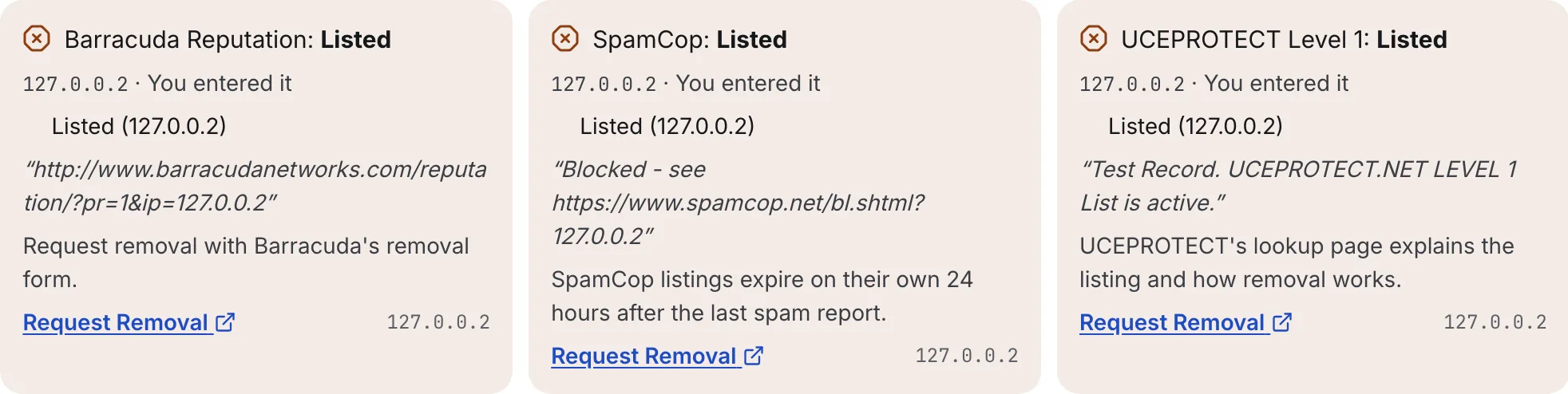
The free blacklist checker queries each list directly and puts the removal process next to every listing: the list's own reason text, how removal works on that list, and a link to its removal or lookup page. For a domain, it also checks the servers in its MX record and the addresses named in its SPF record, and labels each one, so you can see straight away whether a listing is on your domain, on a server you run, or on a shared provider. Listings that cover a provider's range rather than one address are shown separately as context. A list that refused to answer or timed out is shown as Not Checked, never as clean.
Inside Eklow, the habits that cause listings are handled before mail leaves. Bounced, unsubscribed and complained contacts are always kept out of a campaign, and contacts that email verification marks invalid or risky are held back unless you choose to include them. Each mailbox is paced with a randomised gap between sends, and new mailboxes warm up on a ramp; the ramp schedule explains how that works.
Keep reading
- DeliverabilityIs My Domain Hurting My Deliverability? A Domain Reputation Check, Signal By SignalHow to check your domain's reputation as an email sender: the public signals receivers can see, how to read each one by hand, and what to fix first when your domain is the problem.5 min read
- DeliverabilityChoosing An Outreach Email Tool: What Actually Affects Inbox PlacementComparing outreach and email marketing tools? The features that change whether mail reaches the inbox, the ones that only look good in a demo, and questions to ask before you pay.4 min read
