


Introduction
Your free trial sign-ups doubled last month and the dashboard looked great. Then you looked closer: dozens of accounts with addresses on domains you had never heard of, none of which ever opened the onboarding email, and a nurture sequence that has been sending to inboxes that no longer exist. Some of those domains have started rejecting your mail, and the bounces are counted against you.
A disposable email address is a temporary inbox from a throwaway-mail service, created in seconds and abandoned soon after, usually to get past a sign-up form or a gated download without handing over a real address. You can spot them by their domain: the services use a known, if constantly growing, set of domains, so matching an address's domain against a maintained list of disposable providers catches most of them. Reject or flag them at sign-up, keep them out of outreach and nurture lists, and never treat them as leads.
How Disposable Email Services Work
A visitor opens a throwaway-inbox site and gets an address instantly, sometimes one anyone else can also read. They paste it into your form, collect the confirmation code or download link from the temporary inbox, and leave. Some services delete the inbox after minutes or hours; others keep the domain accepting mail indefinitely but nobody looks at it again. Either way, nothing you send afterwards reaches a person who wants it.
| Address Type | Example Pattern | Who Reads It |
|---|---|---|
| Disposable | random string at a throwaway-mail domain | Nobody, after the first few minutes |
| Free personal mail | name at a large webmail provider | A real person, often for years |
| Plus or alias address | name+news at their own mailbox | The real owner, filtered by their rule |
| Forwarding alias | a privacy relay address forwarding to a real inbox | The real owner, until they disable it |
The last two rows matter. Plus addressing and privacy-relay aliases are how careful people protect a real inbox; they are not disposable. Treat them as normal addresses and respect them, since the person behind them can switch the alias off if you misuse it.
Why Disposable Addresses Hurt Your Sending
- Bounces later. Inboxes that are deleted start bouncing, and bounces to addresses you collected tell mailbox providers your list is not well kept.
- Nobody engages. Opens, clicks and replies from these addresses are zero, which drags down the engagement signals filters weigh.
- Polluted numbers. Trial sign-ups, lead counts and conversion rates look better than they are, and campaigns get judged against a base that includes people who were never there.
- Wasted spend. Contacts you pay to store and verify, and follow-ups your team writes for leads that do not exist.
Where Disposable Addresses Get Into Your List
Almost always through a form someone filled in themselves: free trials, gated content, coupon and giveaway pages, webinar registrations, and community or forum sign-ups. They rarely appear in B2B prospect lists built from company data, because nobody gives a throwaway address to a colleague. If you find many in a list you bought or were given, it is a sign the list was built from form fills you did not run.
How To Detect Disposable Email Addresses
- Match the domain against a maintained list. Community-maintained lists of disposable-mail domains run to tens of thousands of entries and change weekly. Use one that is updated, and include wildcard entries where every subdomain of a service is disposable.
- Check the domain can receive mail at all. Some throwaway domains stop working entirely; an MX lookup catches those along with dead company domains.
- Look at behaviour, not just the address. A sign-up that never confirms, never logs in again and used a random string address is very likely throwaway, even on a domain no list knows yet.
- Do not guess from the look of the address. A random-looking local part on a real company domain can be a perfectly valid system-generated address; judge the domain, not the letters.
What To Do With Them
| Where | What To Do |
|---|---|
| Sign-up form | Ask for a different address, politely, before the account is created |
| Gated content | Decide whether the download is worth the address; if so, block disposables |
| Existing contacts | Flag them, exclude them from campaigns and nurture sequences |
| Cold outreach lists | Remove them; they cannot be prospects |
| Reporting | Leave them out of lead and conversion counts |
Be polite at the form. Someone using a throwaway address is often protecting their inbox, not attacking you. A clear message such as "Please use an address you check, so you get your login link" converts some of them into real sign-ups.
Questions About Disposable Email
Is It Wrong For People To Use Disposable Email?
No. People use them to avoid spam and protect their privacy, which is reasonable. As a sender, you are entitled to require a real address for an account or a download, and to keep throwaway addresses out of your lists. Respect the choice; just do not mail it.
Can I Block Every Disposable Email Address?
Not every one. New throwaway domains appear constantly, and some services rotate domains to avoid lists. A maintained list catches the established services; behaviour, such as never confirming an account, catches many of the rest. Aim to catch most, not all.
Are Free Email Addresses The Same As Disposable Ones?
No. Free webmail addresses at large providers are real, long-lived personal inboxes and often the main address someone uses. A disposable address is built to be thrown away. Treat free mail as a normal contact, while noting that it is a personal rather than a work address.
Does Verifying A Disposable Address Contact The Person?
A domain-based check does not. It reads public DNS records and compares the domain with a list; nothing is sent to the address and nobody is contacted. That is also why it is safe to run on every sign-up.
How Eklow Handles This
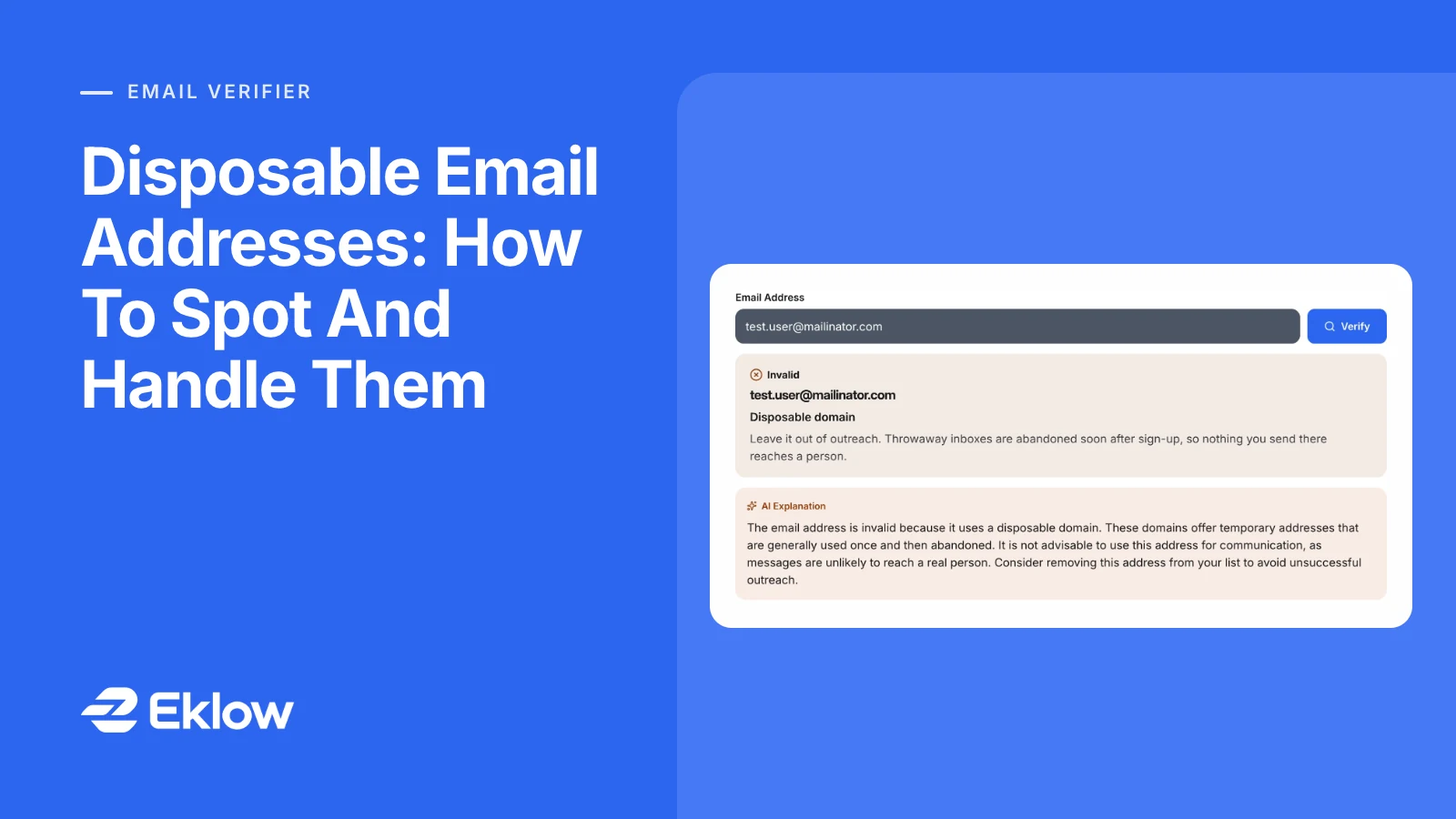
Our free email verifier checks each address's domain against the open-source disposable-email-domains list, including its wildcard entries, before any DNS lookup. A match is marked invalid with the reason "Disposable domain" and the advice to leave it out of outreach. The other checks are listed beside it with their results, and the mail server lookup is skipped because the disposable check has already decided the verdict. Nothing is sent to the address.
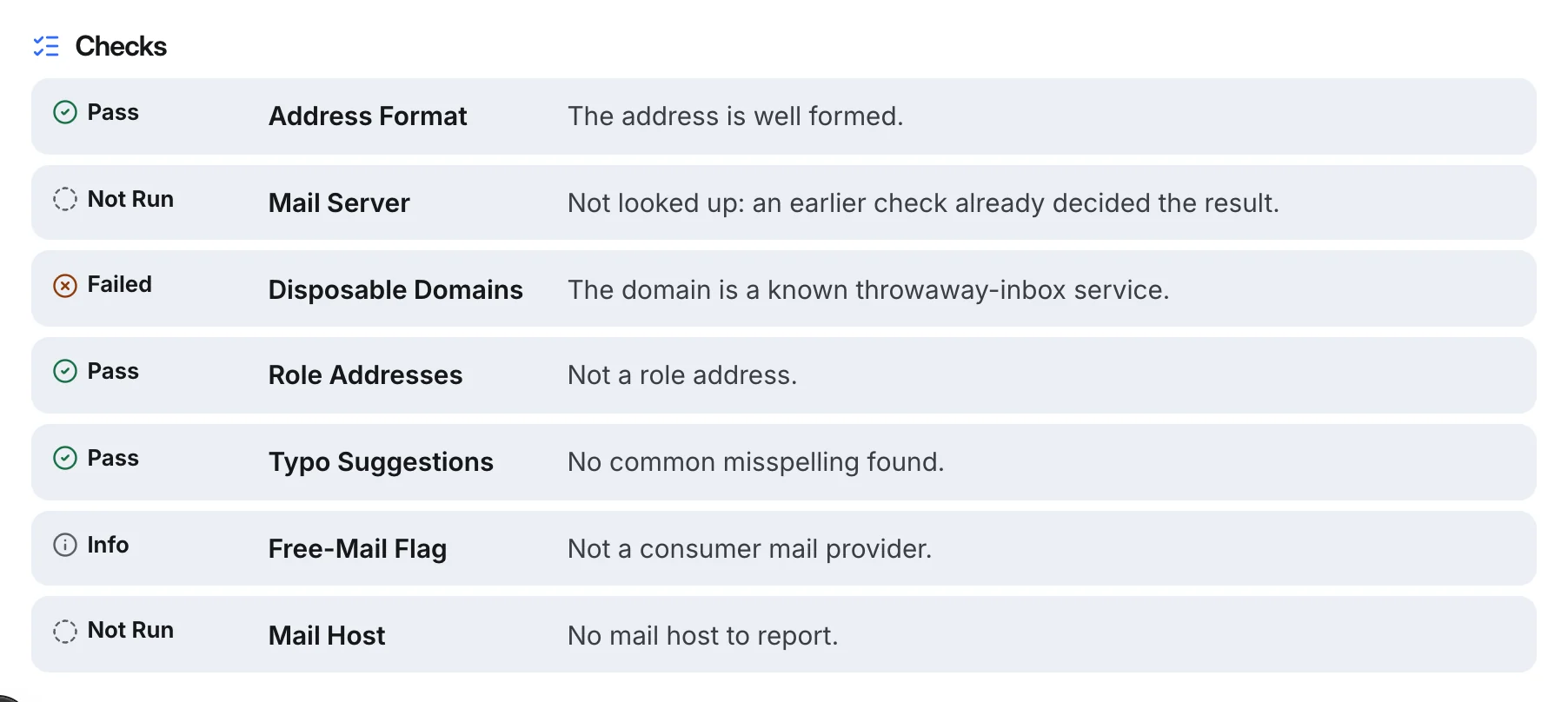
Inside Eklow, email verification runs the same checks on every import and new contact, and invalid contacts, disposable ones included, are held out of campaigns unless you choose to include them. Email verification in the docs explains each verdict, and our guide on why cold email lands in spam covers the sender side.
Keep reading
- DeliverabilityIs My Domain Hurting My Deliverability? A Domain Reputation Check, Signal By SignalHow to check your domain's reputation as an email sender: the public signals receivers can see, how to read each one by hand, and what to fix first when your domain is the problem.5 min read
- DeliverabilityChoosing An Outreach Email Tool: What Actually Affects Inbox PlacementComparing outreach and email marketing tools? The features that change whether mail reaches the inbox, the ones that only look good in a demo, and questions to ask before you pay.4 min read
