


Introduction
The marketing team rolled out a new signature last month: headshot, logo, five social icons, an award badge and a banner for the spring webinar. It looks great in an internal email. In a cold email to someone who has never heard of you, it is taller than the message above it, three of its images are blocked until the reader trusts you, and the email now links to six different websites.
A sales email signature for cold outreach should do one job: tell the reader who you are and how to reach you, in text, in as little space as possible. That means your name, job title, company and one or two contact lines, usually a phone number and your website. Leave out banners, badges, rows of social icons, quotes and long disclaimers. Every image and every extra link is something a spam filter can weigh and something that makes the email look like marketing rather than a note from a person. The rest of this guide explains what to keep, what to cut and why.
Why A Heavy Signature Hurts Cold Email
A cold email has to read as one person writing to another. Everything about a heavy signature says the opposite. A branded banner and a row of icons are what newsletters look like, and a reader who has never asked to hear from you is quick to file anything that looks like a campaign.
- Images load from somewhere else. Each image in a signature is fetched from a web address when the email is opened. Many mail apps block remote images from unknown senders, so the reader sees empty boxes where your logo should be.
- Links add domains. Spam filters look at where an email's links point. A signature that links to your site, three social networks, a scheduling page and an event page adds several domains to an email that might otherwise have none.
- Length moves the message. On a phone, a tall signature can take more room than your five-line email. The message is what earns the reply.
- It does not match the email. A two-sentence personal note followed by a marketing footer reads like a template, because it is one.
None of this is a fixed rule that one image gets you blocked. Filters weigh many signals together, and your authentication and sending reputation matter far more; our guide to why cold email lands in spam covers those. A light signature simply removes signals you do not need to send.
What To Keep In A Sales Email Signature
| Element | Keep It? | Why |
|---|---|---|
| Full name | Always | The reader needs to know who wrote |
| Job title | Always | Explains why you are the one writing |
| Company | Always | Ties you to the domain the email came from |
| Phone number | Usually | One number, as text, so it is tappable on a phone |
| Website | Usually | One link to the site that matches your sending domain |
| Email address | Optional | They already have it; useful when the email is forwarded |
| Professional profile link | Optional | One, if prospects check it before replying |
| Headshot or logo | Rarely | An image that may be blocked and adds weight |
| Social icon row | No | Several images and several domains |
| Banner, badge, award | No | Large images that read as marketing |
| Inspirational quote | No | Says nothing about why you wrote |
| Long legal disclaimer | Only if required | Keep any required lines short |
Sales Email Signature Examples
Two signatures for the same fictional person. The first is right for a first email to a stranger. The second suits replies and existing customers, where a little more is fine.
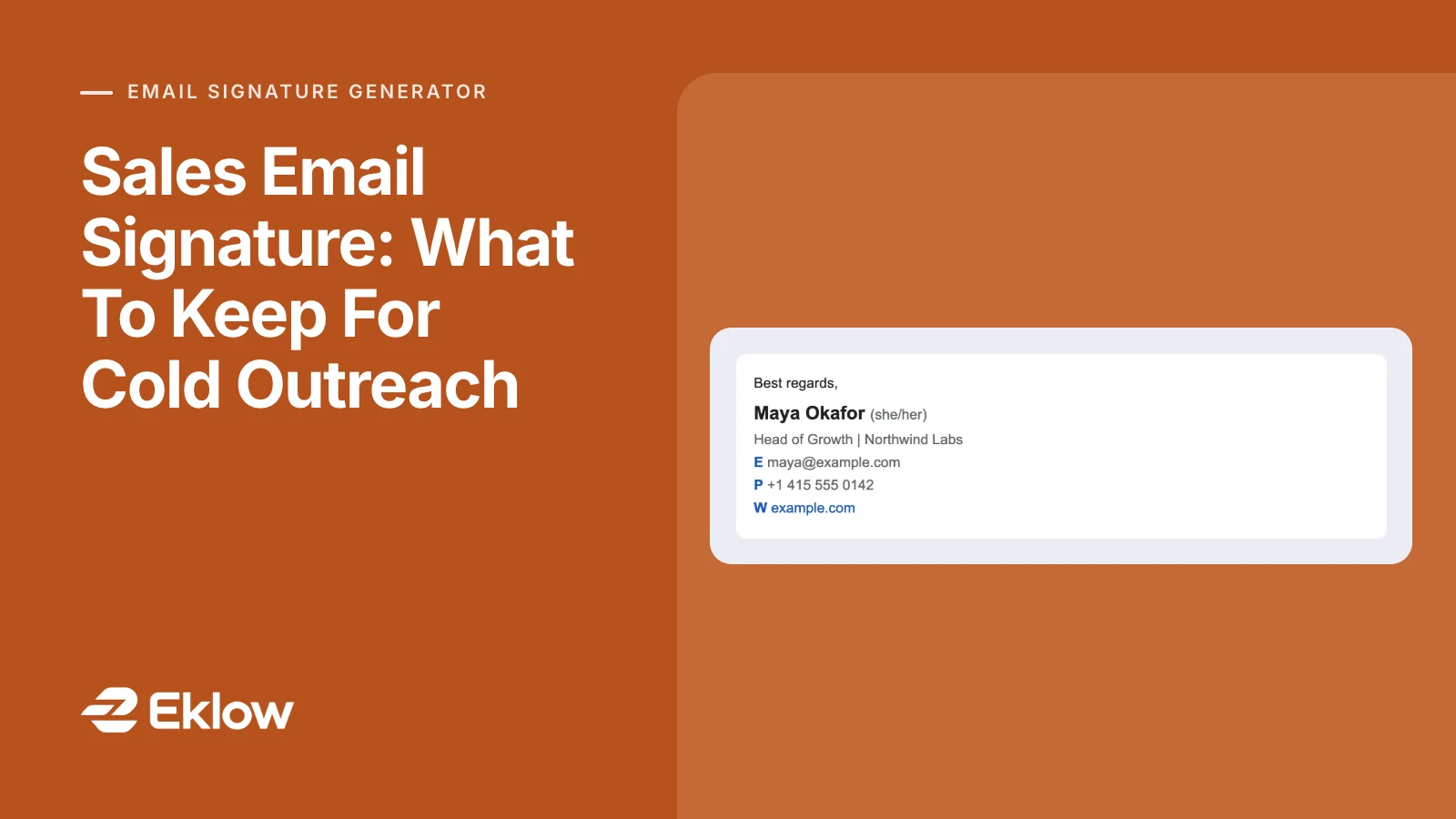
Maya Okafor
Head of Growth, Northwind Labs
+1 415 555 0142 | example.comMaya Okafor
Head of Growth, Northwind Labs
[email protected] | +1 415 555 0142
example.com | Book a call: example.com/meetNotice that both are entirely text. The second adds a booking link, which makes sense once someone has shown interest; in a first email, the ask belongs in the body, not in the footer.
What To Cut, And What To Do Instead
Cutting the signature does not mean losing what it was doing. Most of it can move somewhere better.
- The social row: keep one profile link if prospects actually check it, and drop the rest.
- The banner: if there is an event or offer worth mentioning, it belongs in a follow-up or a reply, as a sentence.
- The logo: your company name in text does the same job without being blocked. If you keep a logo for replies, keep it small.
- The calendar link: put a time question in the email itself ("Worth 15 minutes on Tuesday?") and share the link once they say yes.
- The disclaimer: keep only lines you are actually required to include, as briefly as they can be written.
Plain Text Or HTML Signature?
For cold outreach, a signature that is plain text or HTML that looks like plain text is the safer choice: no images, no tables of icons, one or two links. For an email you send as HTML anyway, a simple HTML signature with your name in bold and tappable phone and web links is fine, as long as it stays light. Our guide to testing a cold email template for spam explains how to check the whole message, signature included, before a campaign goes out.
Keep It The Same Across Your Team
When a team sends from several mailboxes, signatures drift: one rep has the new logo, another an old phone number, a third the banner from last quarter. Agree one cold-outreach format, write it down, and check every mailbox against it before a campaign launches. Inconsistent signatures are a small thing to a reader and a big thing when a prospect forwards your email to a colleague who also heard from your teammate.
Questions About Sales Email Signatures
Should I Include My Phone Number In A Sales Email?
Usually yes, as text, so it becomes a tappable link on a phone. Some prospects prefer to call, and a real phone number signals that a real person sent the email. Use one number, ideally a direct line or mobile you actually answer, not a switchboard.
Should A Cold Email Signature Have A Photo?
In a first email, usually not. Many mail apps block remote images from unknown senders, so the photo shows as an empty box, and it adds an image to every message. In replies and with existing customers, a small headshot is fine and can make you more recognisable.
Should I Put A Calendar Link In My Signature?
Not for cold outreach. A booking link in the footer of a first email asks a stranger for a commitment before they have replied once. Put a simple question in the body instead, and send the link when they say yes. In replies and with customers, a booking link in the signature is convenient.
Can I Use My Normal Work Signature For Cold Email?
Only if it is already light. Many company signatures are designed for internal and customer email, with logos, banners and several social links. Keep a separate, shorter version for outreach: name, title, company and one or two contact lines.
How Eklow Handles This
Our free email signature generator has eight templates, and the first, Plain, is made for cold email: text only, with no images, icons or buttons. Under the preview, a cold email check counts what a filter would see as you edit. It warns when the signature has more than two images, more than three social icons, more than three links (counting email and phone links), or links to more than two different websites, and when a banner is added.
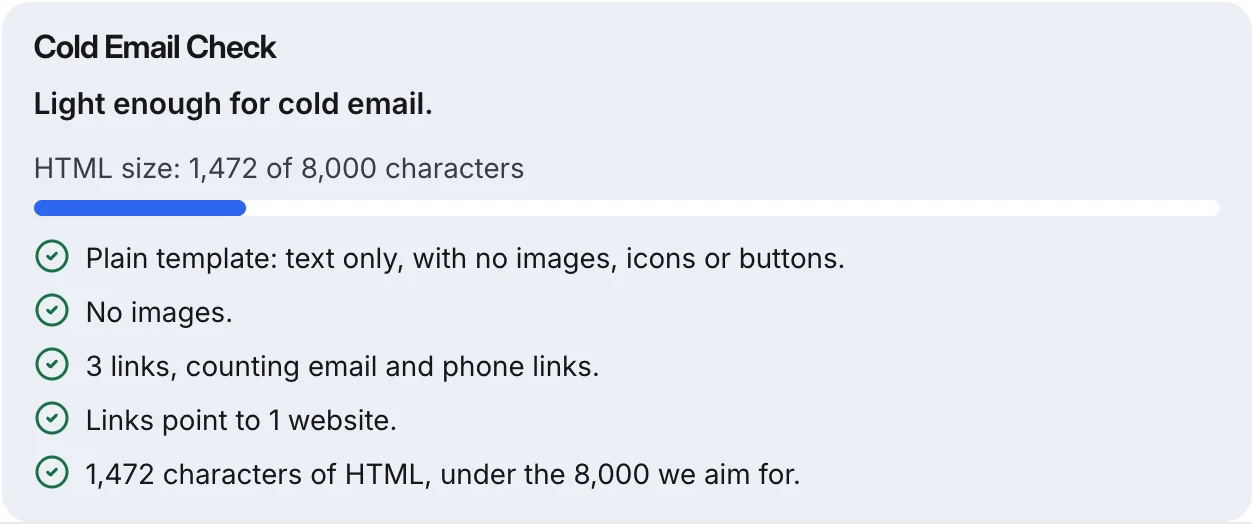
Phone numbers become tappable tel: links, email addresses become mailto: links, and every web address is checked before it is used. The check also shows the HTML size against Gmail's 10,000-character signature limit and flags a text colour that is hard to read on white.
To use the signature in an Eklow campaign, click Copy HTML, open a campaign step, switch on Raw HTML and paste it at the end of the email. Then the step is scored by the same content checks as our email template checker, and an inbox placement test shows where the finished email lands at each provider.
Keep reading
- Cold EmailHow To Write A Cold Email A Stranger Will AnswerHow to write a cold email a stranger will actually answer: the five parts, what each line is for, a worked example, the length that works and what to cut.8 min read
- Cold EmailHow To Respond To Cold Email Replies: Seven AnswersHow to respond to cold email replies: interested, more info, pricing, not now, wrong person, a concern or a no. What each reply means and what to send back.7 min read
